

YOUR ALL-IN-ONE RUNNER PARTNER
Adjust your weights and improve your putting with games

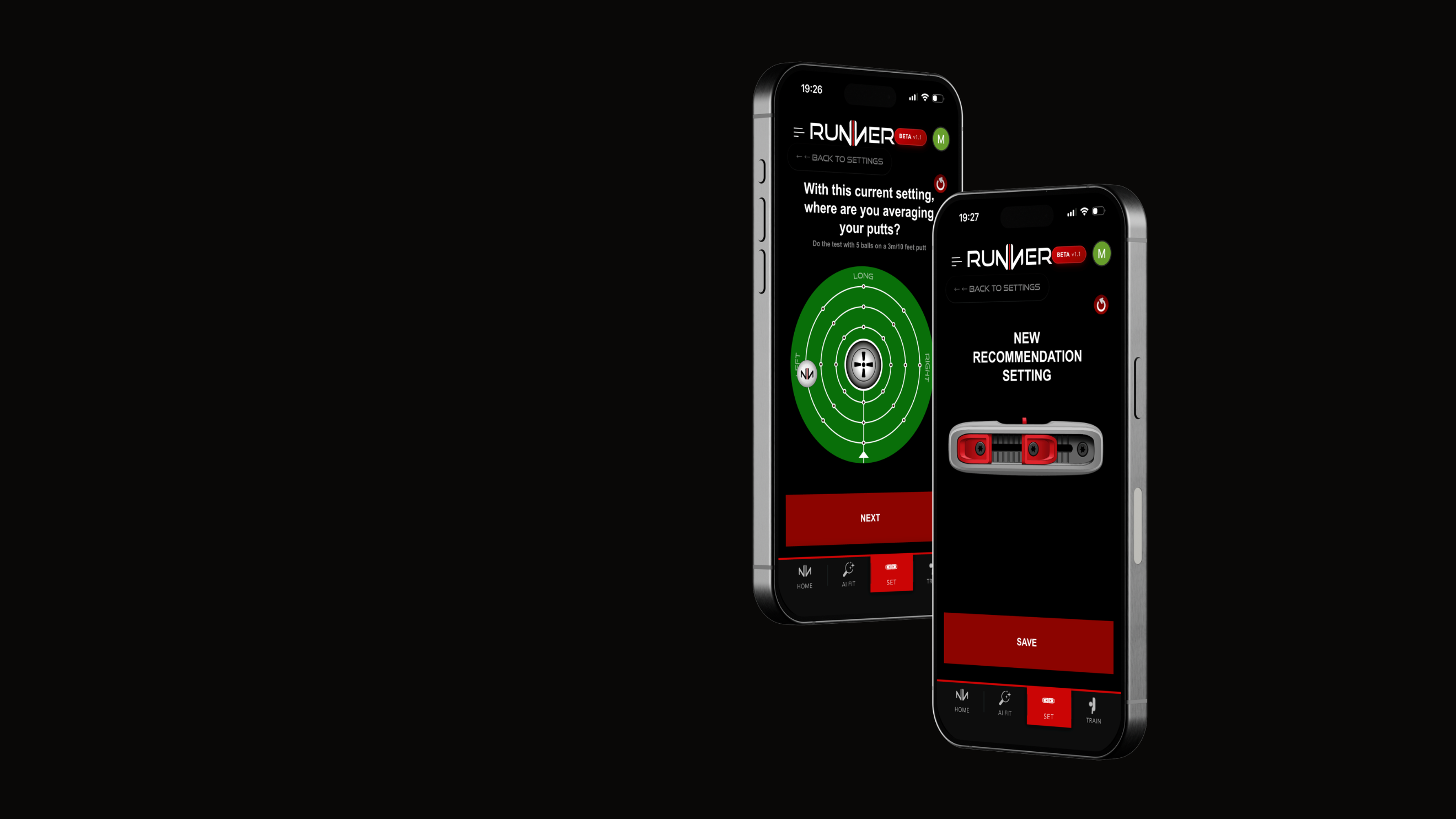
Interactive Fitting Experience
An interactive 15-question questionnaire using your phone's camera and AI.
Whether you're at home or on the golf course, our system analyzes your posture and swing arc to determine the best Runner configuration for you.

Adjust your weights
Test your putter and adjust the weight balance based on your putting test results.

Perfect your putting with games
Improve every key aspect of your putting: accuracy, rhythm, and distance control.
The app tracks your clubhead and ball to help you progress through interactive games.
How do I download the app?
The Runner application is a web application.
Therefore, it is not on the App Store or the Google Play Store.
But it can be downloaded from Safari.
iOS


Find the share button
Click the 3 dots, then "Share" (the square with the outward arrow.

Add to Home Screen
Tap the "Add to Home Screen" button, then confirm by tapping "Add" in the upper right corner of the confirmation page.
Android
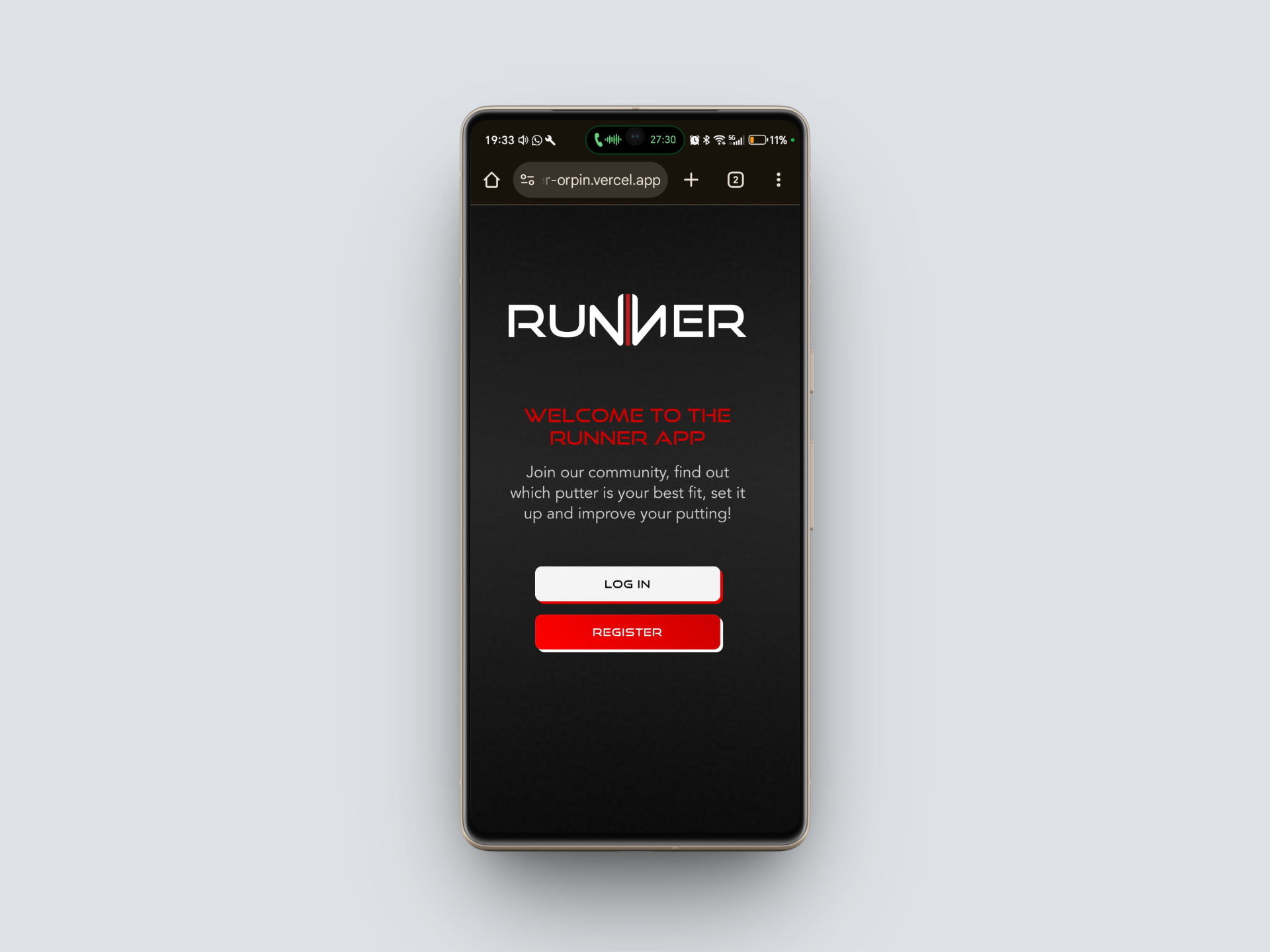
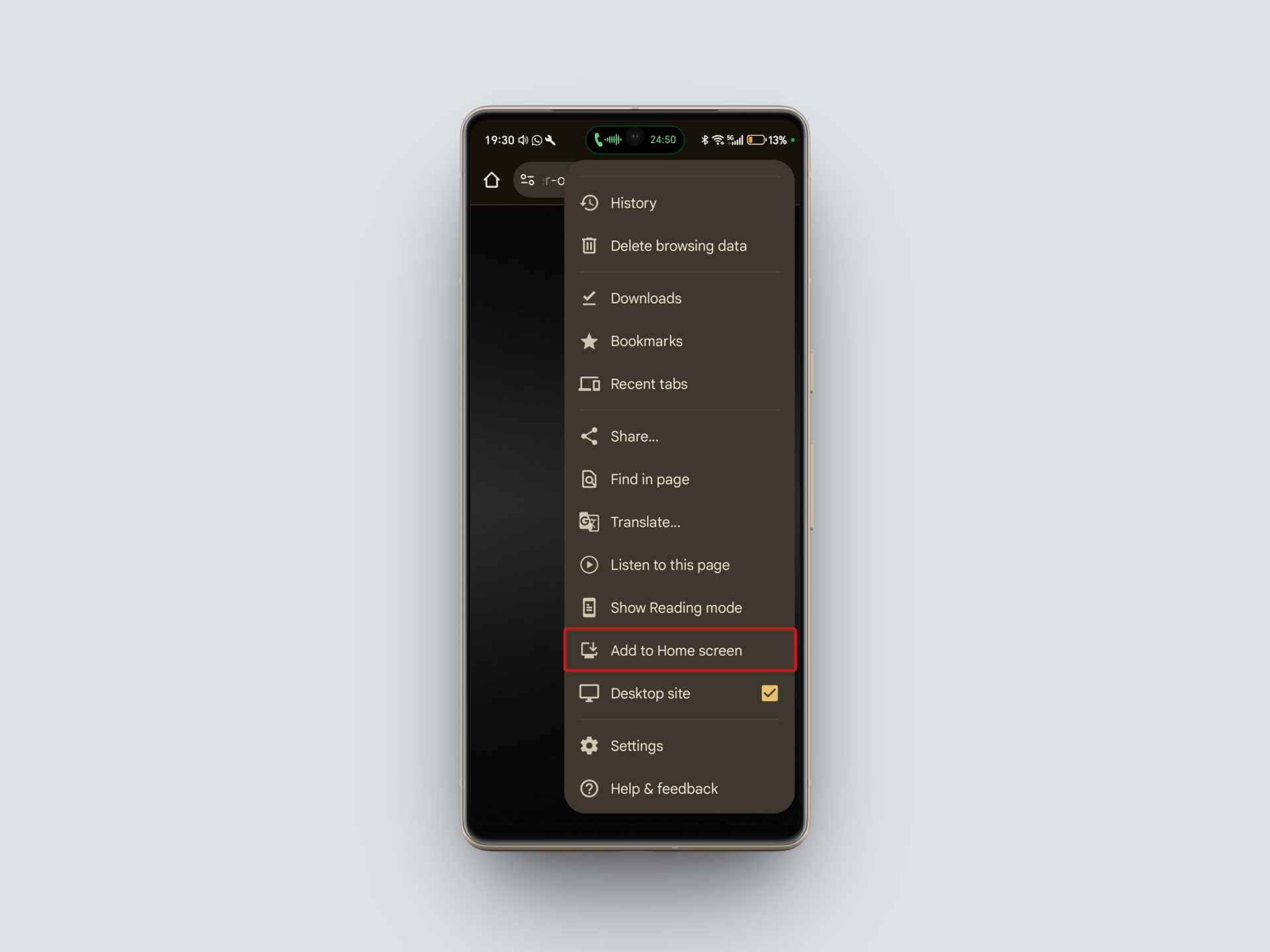
Click the 3 dots in top right
Then find the "Add to home screen" icon
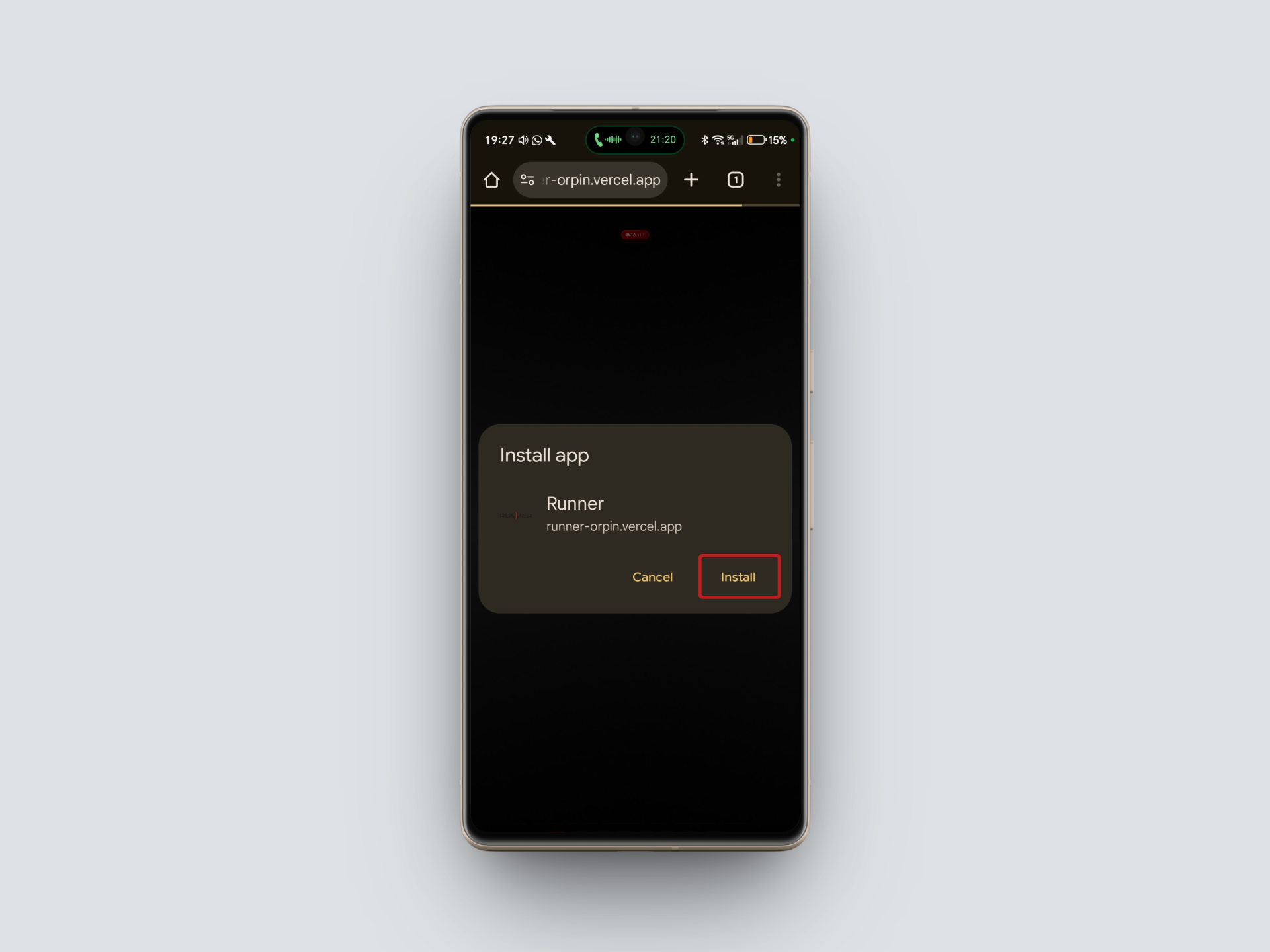
Add to home screen
Tap the "Add to Home Screen" button, then confirm by tapping "Add" on the confirmation page.